%20012024.png)
From Map Pack to Application: Boost Local SEO Conversions for School Pages
- Mar 22
- 5 min read

Turn Local Searches Into Campus Visits
Most schools work hard to show up in local search, but stop tracking at the click. The student hits your location page, then what? Do they call, fill out a form, or book a tour or do they back out and pick another campus down the road?
Late spring is when this really matters. Parents and students are trying to lock in campus visits between rainstorms and final exams. Local SEO for higher education is not just about who shows up in the Map Pack, it is about who turns that local click into a real visit and then into an application. Here, we will walk through how to track the full path from Map Pack to application, what to measure on your location pages, and how SEO, GEO, and AEO work together to bring you more calls, form fills, and tour bookings.
Why Local SEO Is the New Front Door for Your Campus
For many families, the first time they see your campus is not at the front gate, it is in the Map Pack. They type something like "community college" or "business degree near downtown" and glance at the top three results on their phone. One tap on directions or your phone number, and they are already on their way, or they are gone to a competitor.
Different groups use local search in different ways and at different times of year. High school juniors and seniors tend to search for spring and early summer tours, while parents often focus on driving time, parking, and safety info before booking a visit. Adult learners may search "evening classes near work" from an office building, and international students may research campuses while still in another country.
When your campus is in a busy metro area, like many we work with, this gets even more intense. A strong SEO setup for higher education is not only about program pages ranking for "MBA program" or "nursing degree". Each campus or training center needs its own local "front door", a location page that captures the click from local search and makes the next step very clear. That is where local visibility turns into real enrollment outcomes.
Mapping the Journey From Map Pack Click to Inquiry
To improve results, we have to see the whole path, not just single steps. For a typical prospect, the path might look like this:
Local search (typed or voice)
Google Business Profile and Map Pack listing
Tap to call, tap for directions, or tap through to your site
Landing on a campus or center location page
Main conversion, like a call, inquiry form, or tour booking
Follow-up step, such as starting an application or registering for an info session
On your location pages, there are several actions worth tracking in detail. These include phone calls from listed numbers (especially mobile click-to-call), tour booking forms and info session registrations, general inquiry forms and program-specific forms, interaction with embedded maps and directions, and chat or SMS conversations that start from the page.
Small details on these pages matter more than many people expect. Clear name, address, and phone (NAP) details, updated office hours, parking rules, and accessibility info all help. When families are trying to schedule a last-minute visit in late March or early April, they need fast, accurate answers. If they see outdated hours or missing details, they may simply back out and pick the next campus that looks easier to visit.
Building the Analytics Stack for Local SEO Conversions
Once you know the steps, you can set up tracking so you are not guessing. The goal is to see the full local funnel from Map Pack to enrolled student. That usually means connecting a few tools, not just relying on default analytics.
At a basic level, we suggest:
GA4 event tracking for calls, form submissions, tour bookings, and chat starts
Call tracking numbers for each campus or center location
UTM tags on your Google Business Profile links, including website and appointment links
From there, the real power comes when your CRM or student information system connects to those marketing events. When that link is in place, your team can see which Map Pack clicks, which campuses, and which campaigns lead to qualified inquiries, completed tour visits (not just tour registrations), started and completed applications, and enrollments by campus and by program.
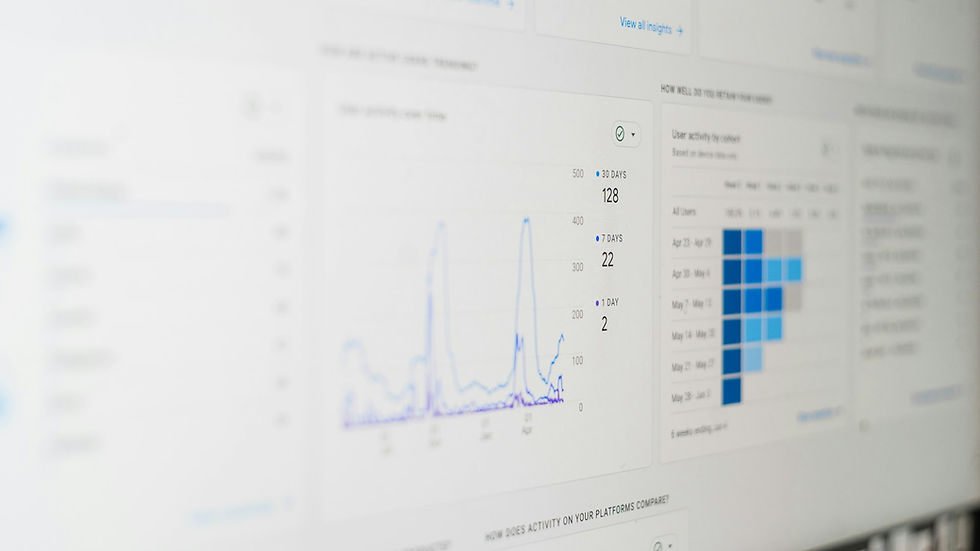
Dashboards for education marketers should make this easy to see at a glance. Common views include conversion rate by campus location page, call-to-tour rate, tour-to-application rate, and mobile versus desktop performance. You can also watch how late-spring and early-summer campaigns change those numbers, especially if you are targeting late-deciding students who are still weighing options.
Optimizing Location Pages with SEO, GEO, and AEO
Once your tracking is solid, it is time to make those location pages work harder. This is where SEO, GEO, and AEO come together.
For higher education, focus on:
Localized keywords that include city names, neighborhoods, and landmarks
Structured data, such as LocalBusiness or EducationalOrganization, plus Event markup for tours and info sessions
Internal links from high-intent program pages straight to the most relevant campus pages
GEO work is about making each campus feel local and real. Instead of one generic "locations" page, give each site its own content. That can include parking tips, transit options, and walking routes, nearby housing details or partner housing options, local employers that connect to your programs, and localized calls to action like "Book a Chicago campus tour this week".
On the AEO side, you are speaking to answer engines and voice assistants, and they respond best to clear, direct language. In practice, this means your pages should explicitly address common questions prospects ask, such as:
How do I book a campus tour?
Is parking free on campus?
What are the application deadlines?
Are evening or weekend classes available at this campus?
Do not forget the Q&A section in your Google Business Profile. Clean, accurate answers there help AI tools and voice search surface your school when someone asks for the best local option for their needs.
Turning Insights Into More Calls, Tours, and Applications
Once you have data, the next step is to turn it into action before summer hits. A simple 60 to 90-day plan might look like this:
Audit all Google Business Profiles and campus location pages for accuracy
Implement or clean up conversion tracking for calls, forms, tours, and chat
Fix NAP mismatches across directories and profiles
Refresh spring and summer tour content and calls to action across all locations
After that base work, start testing. On high-traffic campus pages, run A/B tests on:
Hero messaging that speaks directly to local intent
Placement and wording of tour or visit calls to action
Phone number size and placement, especially on mobile
Use of chat or SMS widgets for quick questions
The findings you gather at the campus level often inform bigger SEO and enrollment strategies across programs. For example, if one campus sees strong tour-to-application rates because the page answers parking, safety, and schedule questions clearly, those ideas can be rolled out to every location. Over time, this creates a repeatable system where Map Pack visibility connects directly to calls, tours, and applications, not just clicks.
Boost Enrollment With Proven, Data-Driven SEO Strategies
If you are ready to reach more prospective students and strengthen your institution’s online presence, our team at RGI Consulting is here to help. Explore how our tailored SEO for higher education services can align with your enrollment and branding goals. We will work with your internal stakeholders to build a practical roadmap and clear metrics for success. Have questions or want to discuss a specific challenge? Contact us to schedule a conversation.